Keep up with your team's Google Drive activity
See what's changed in your folders, catch new comments, and stay on top of updates without digging through every file.
One time window per folder
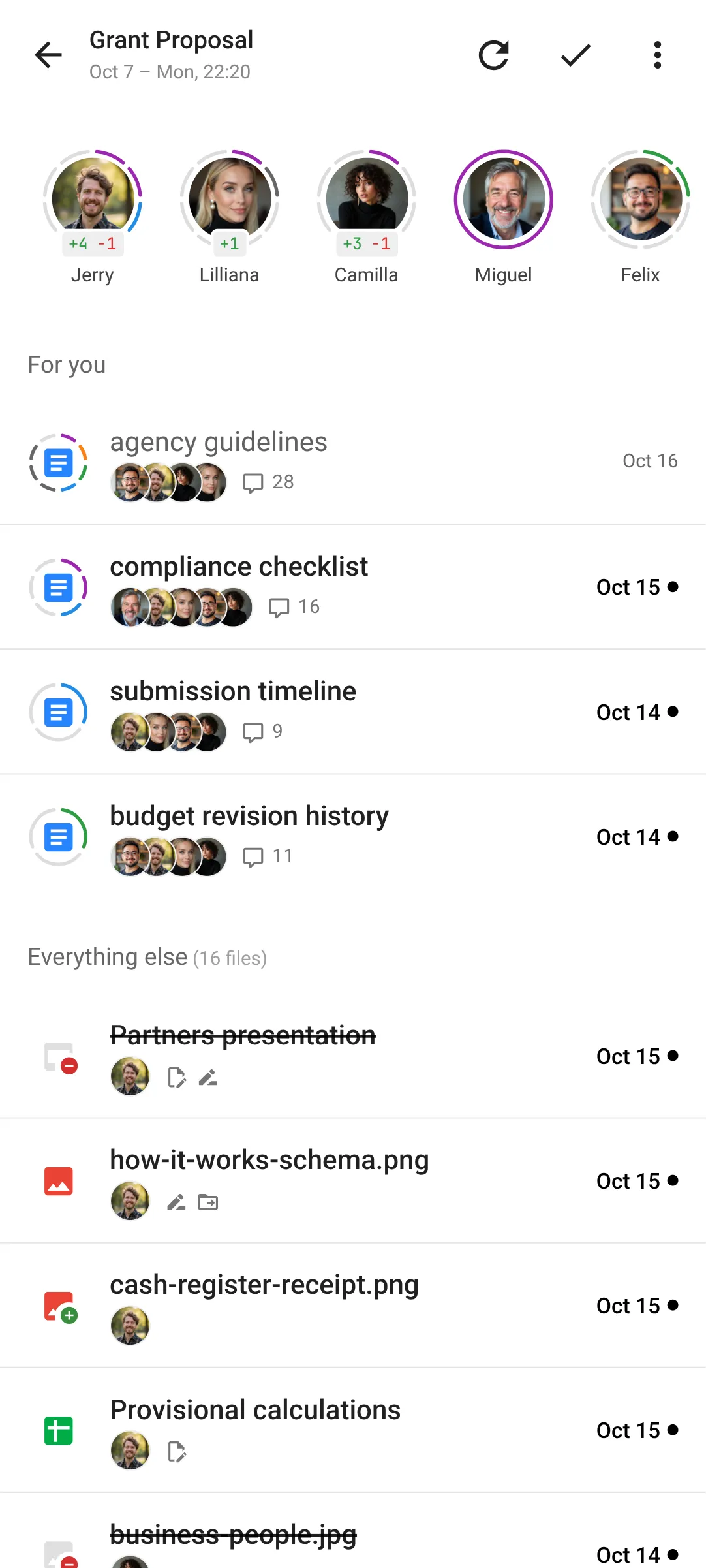
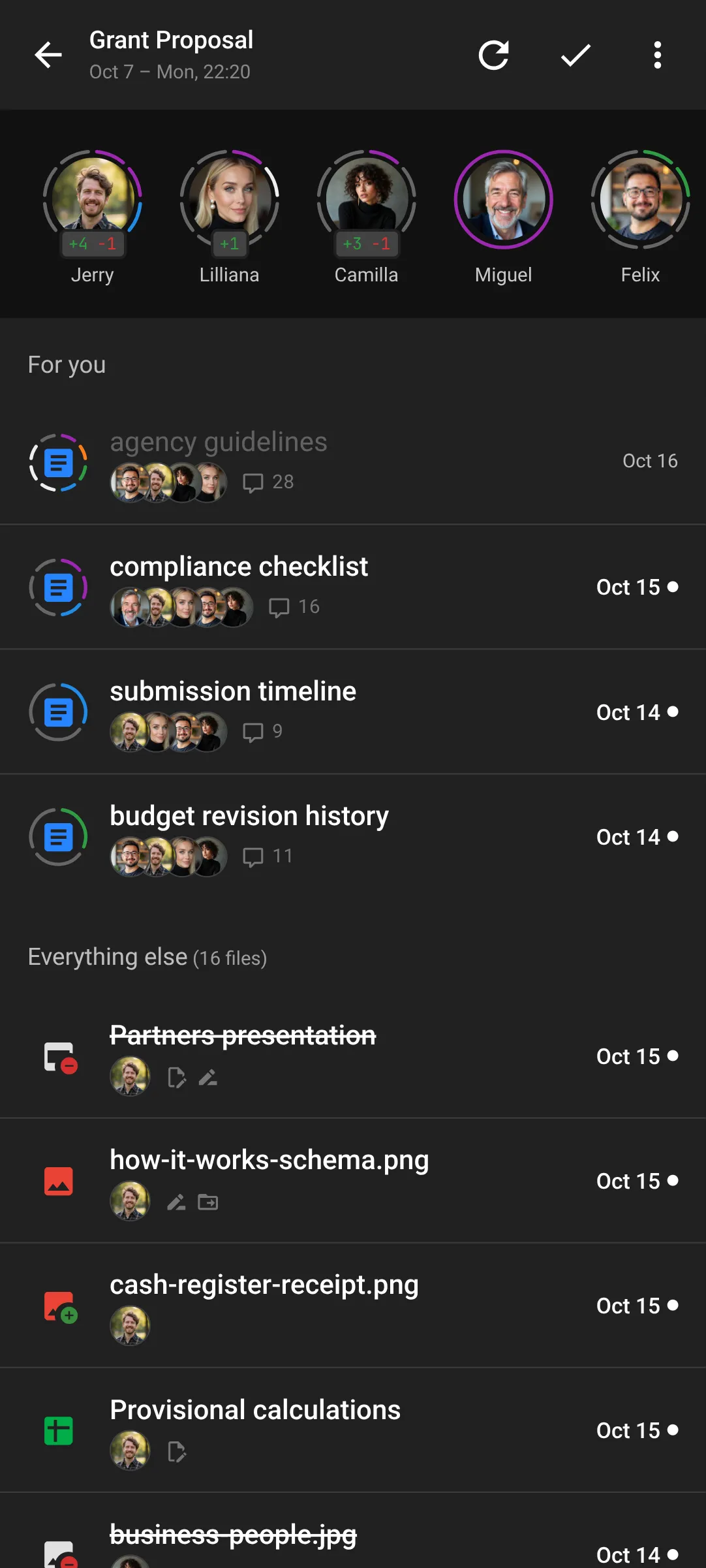
Follow as many Drive folders as you like. FolderFeed shows each folder's updated files along with everything in its subfolders.
Every folder has its own Time Window, so you can catch up on one folder without touching the others. A window has two ends:
- Since: the last time you marked the folder as read.
- As of: the last time you refreshed it.
The for you list
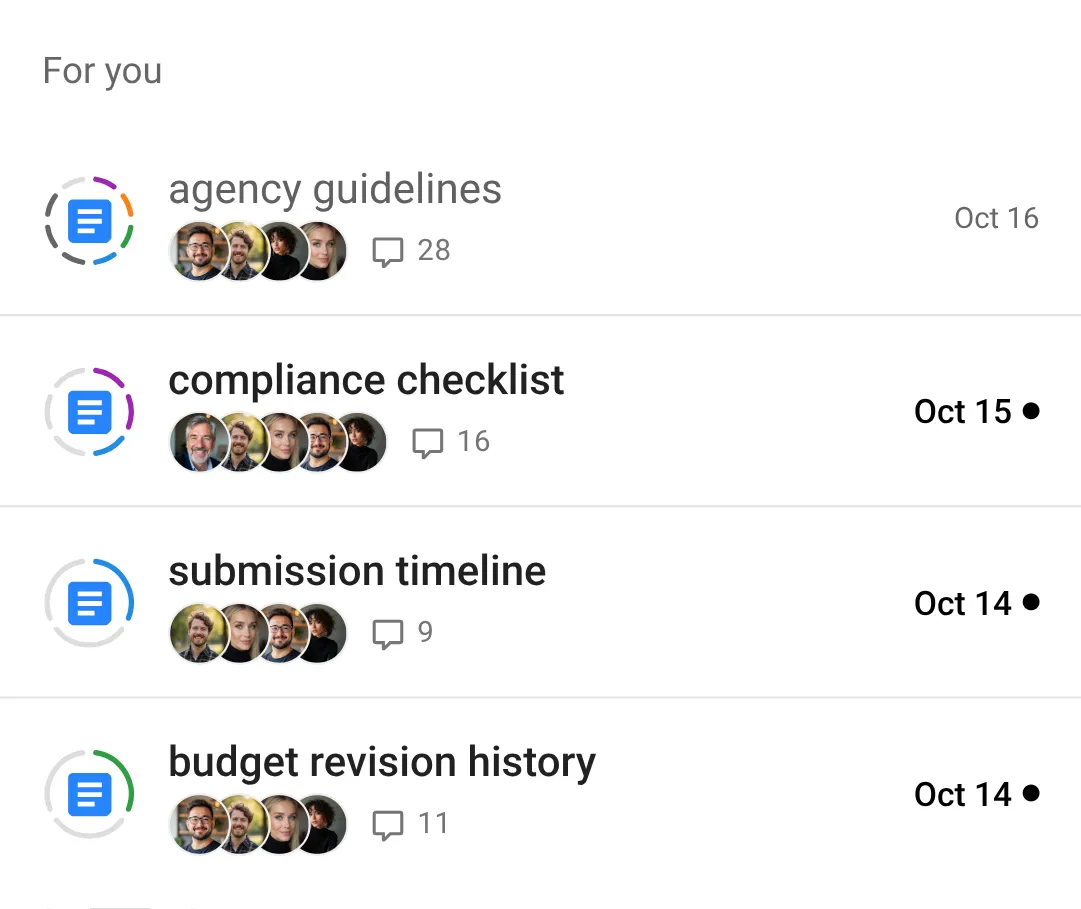
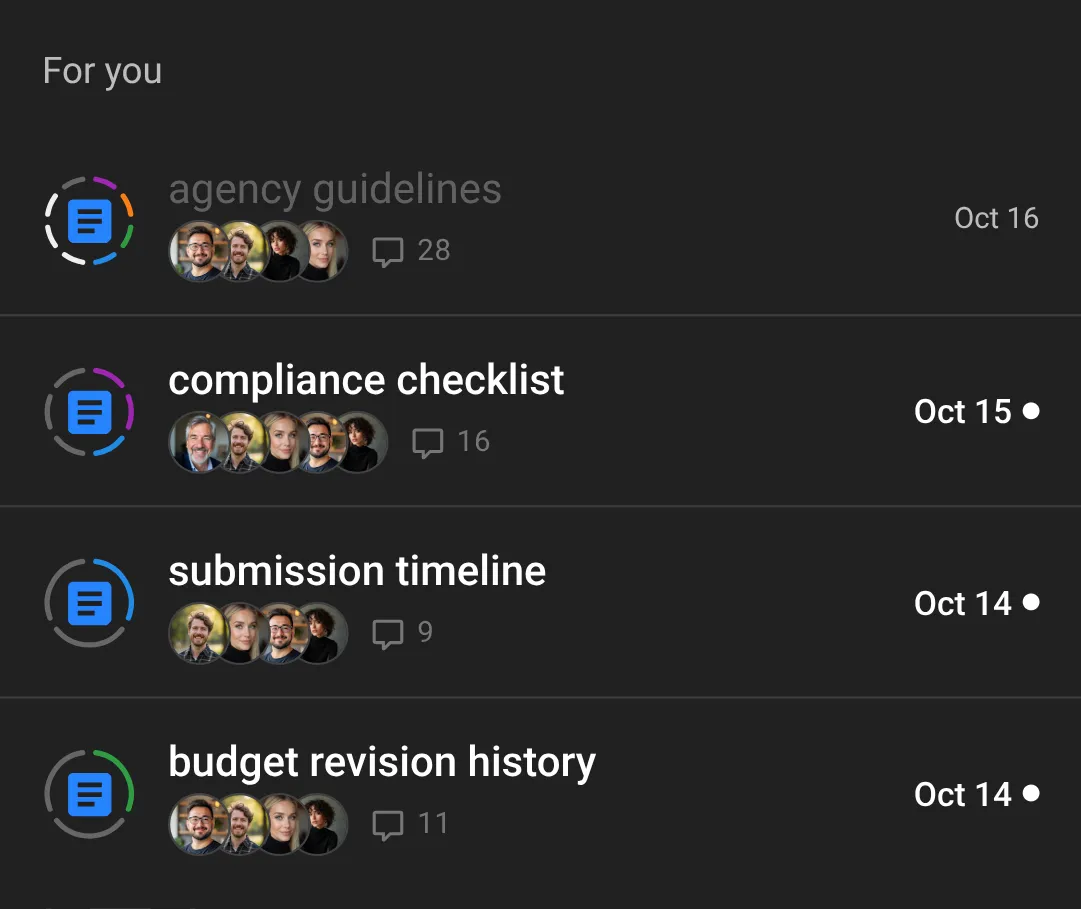
See what needs you first. Files with comments that mention or involve you are grouped under For you, so you can reply fast and skip the rest.
Catch up on discussions
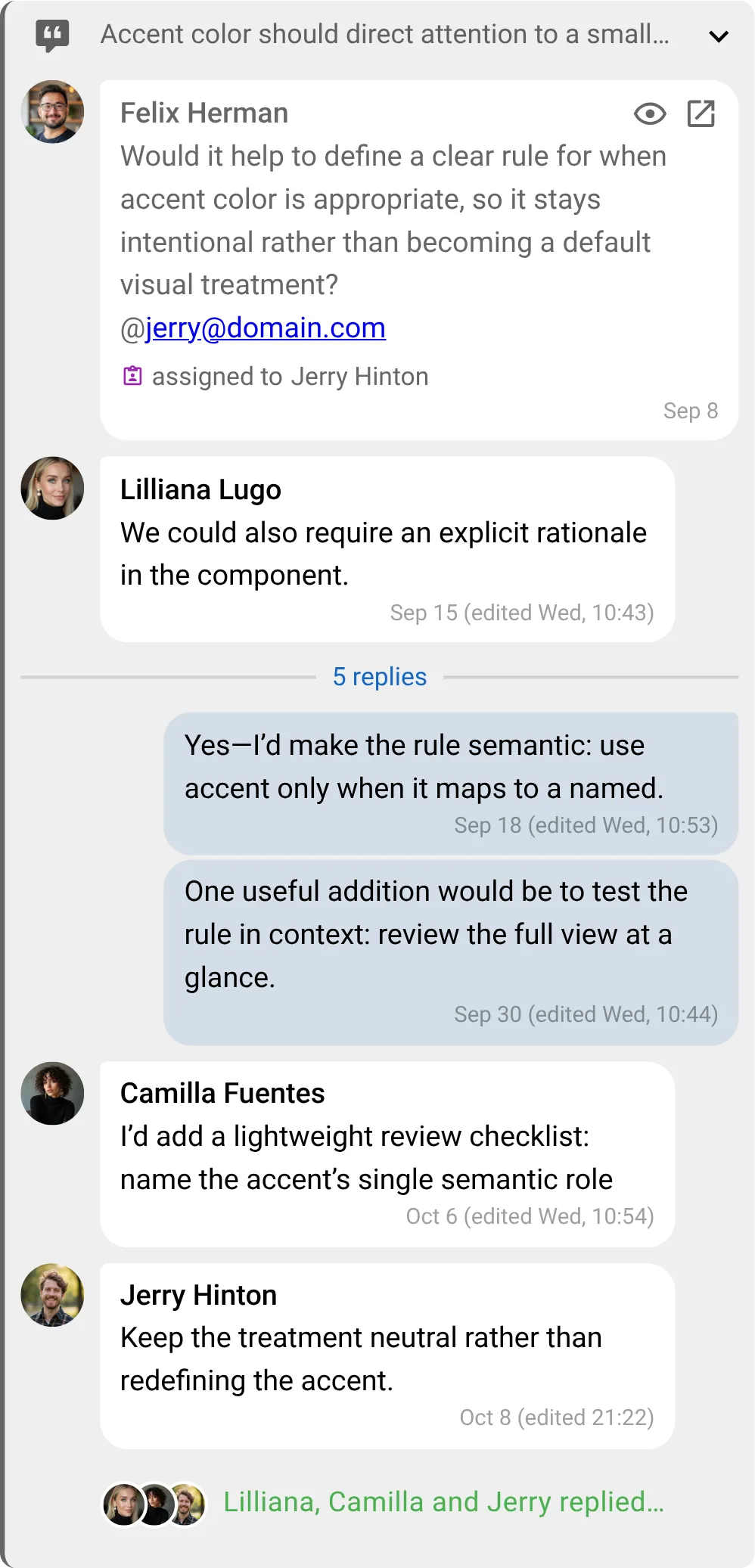
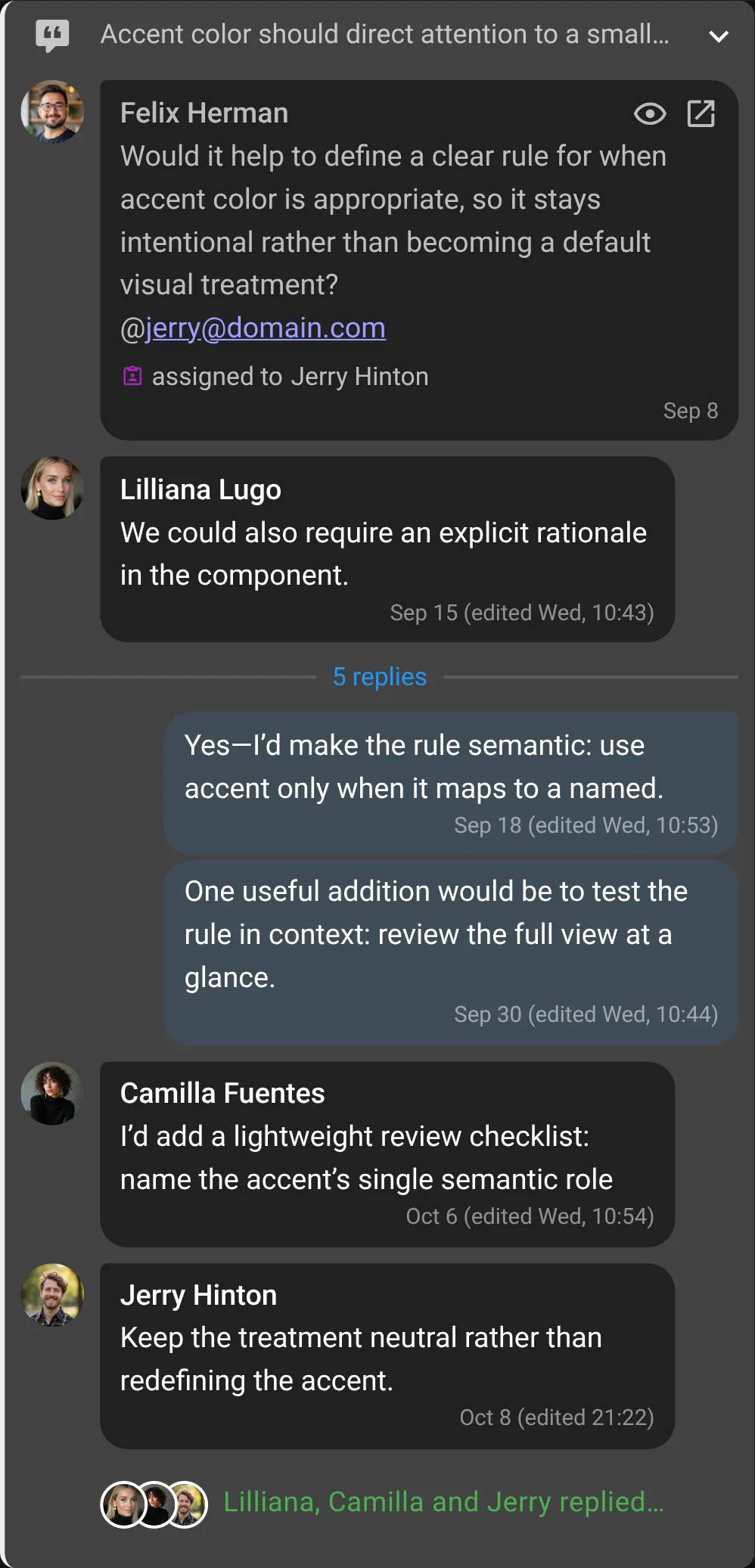
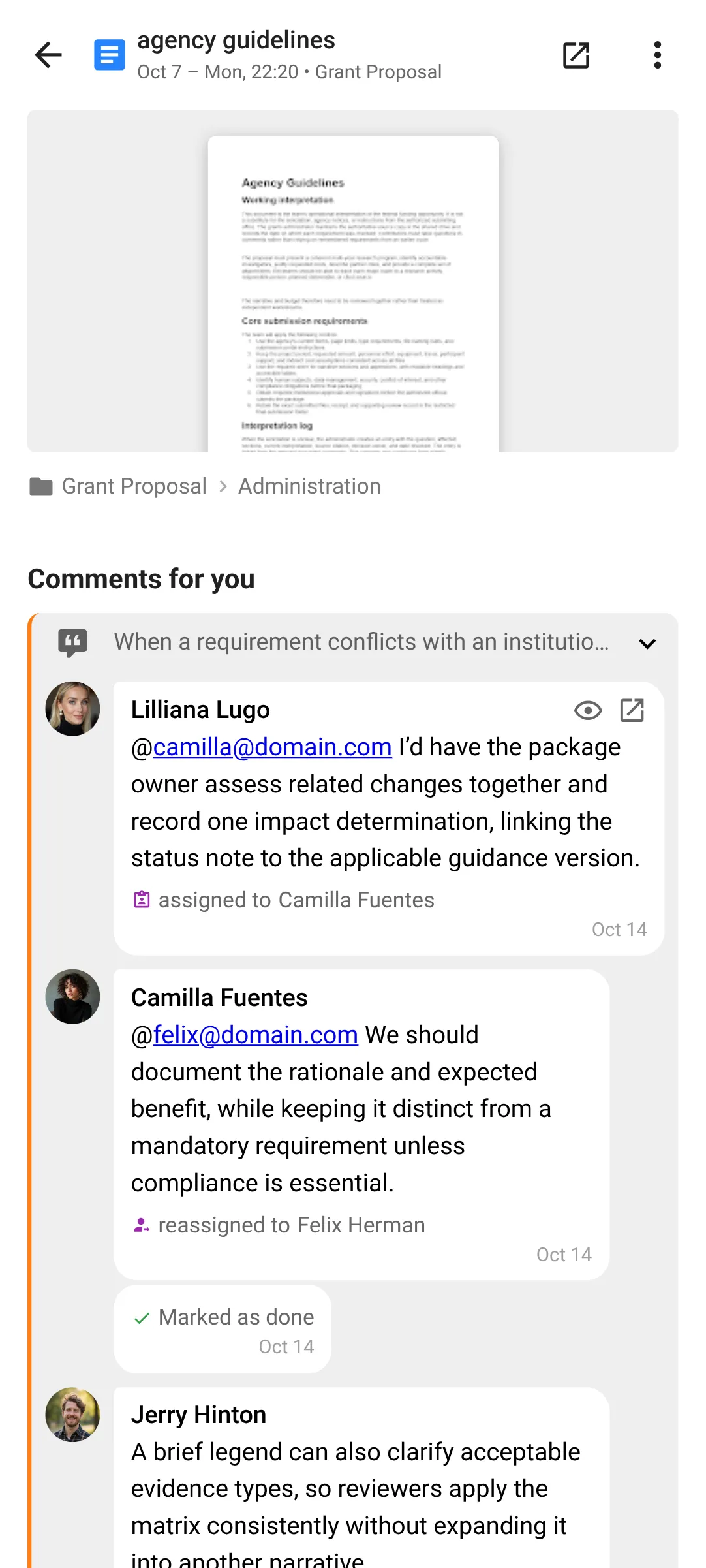
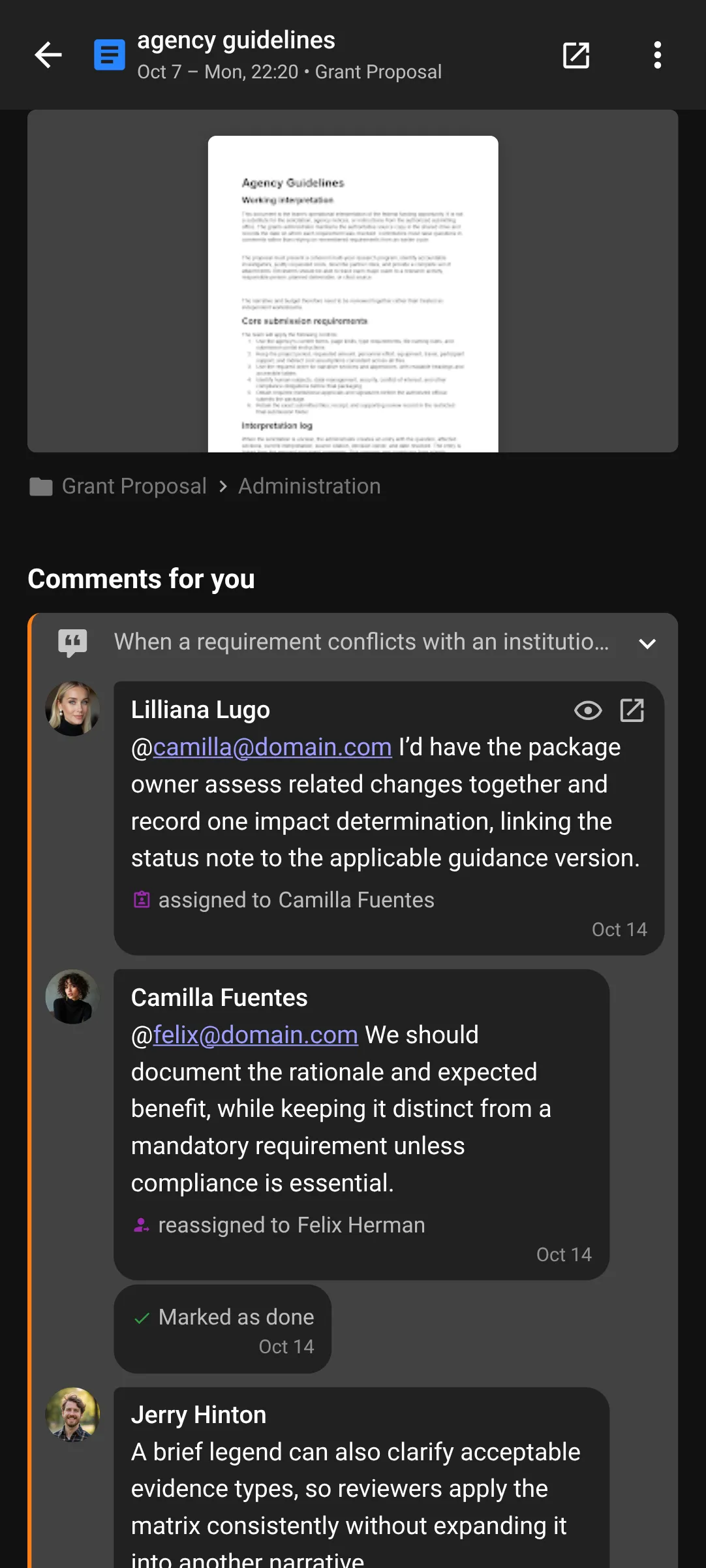
See new comments and replies without opening the file in Google Drive. Each thread shows its original comment plus the latest replies from the folder’s Time Window.
The comments ring
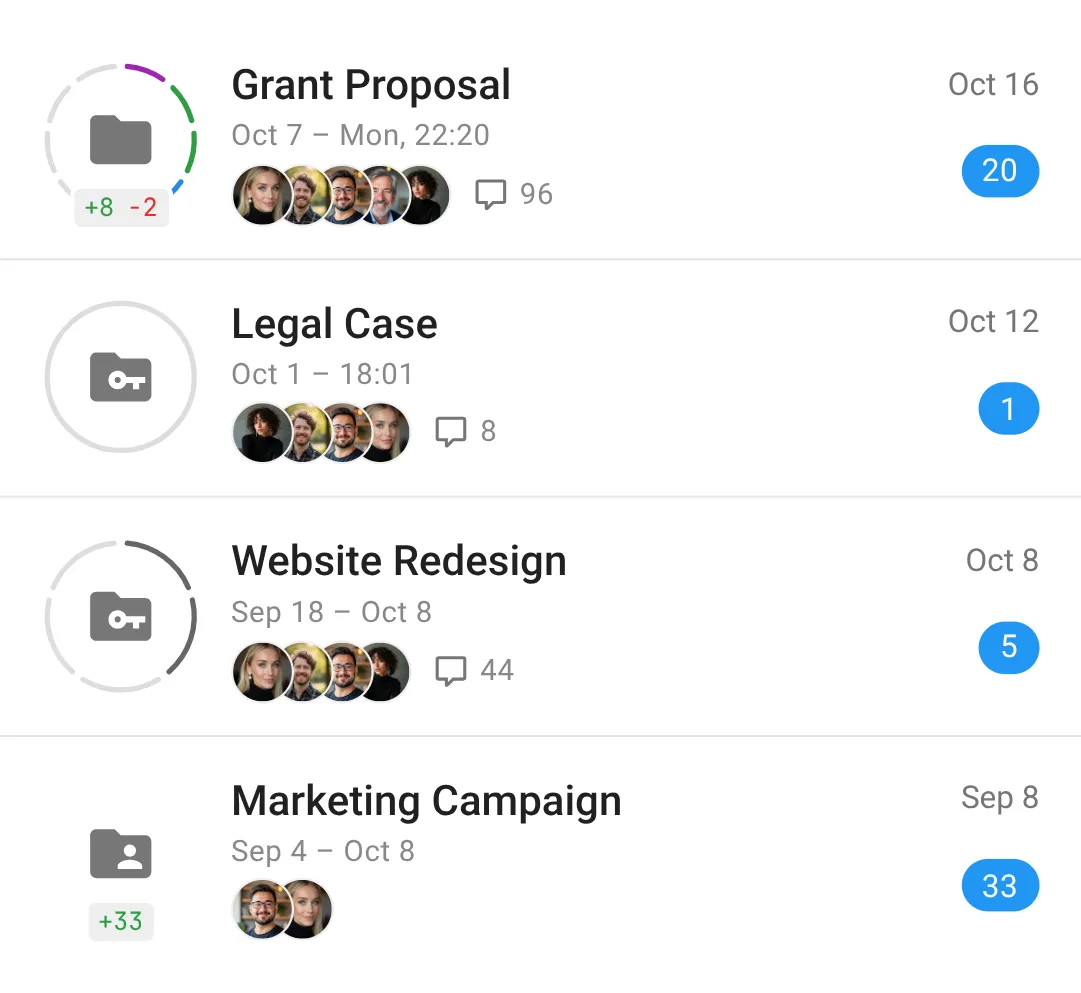
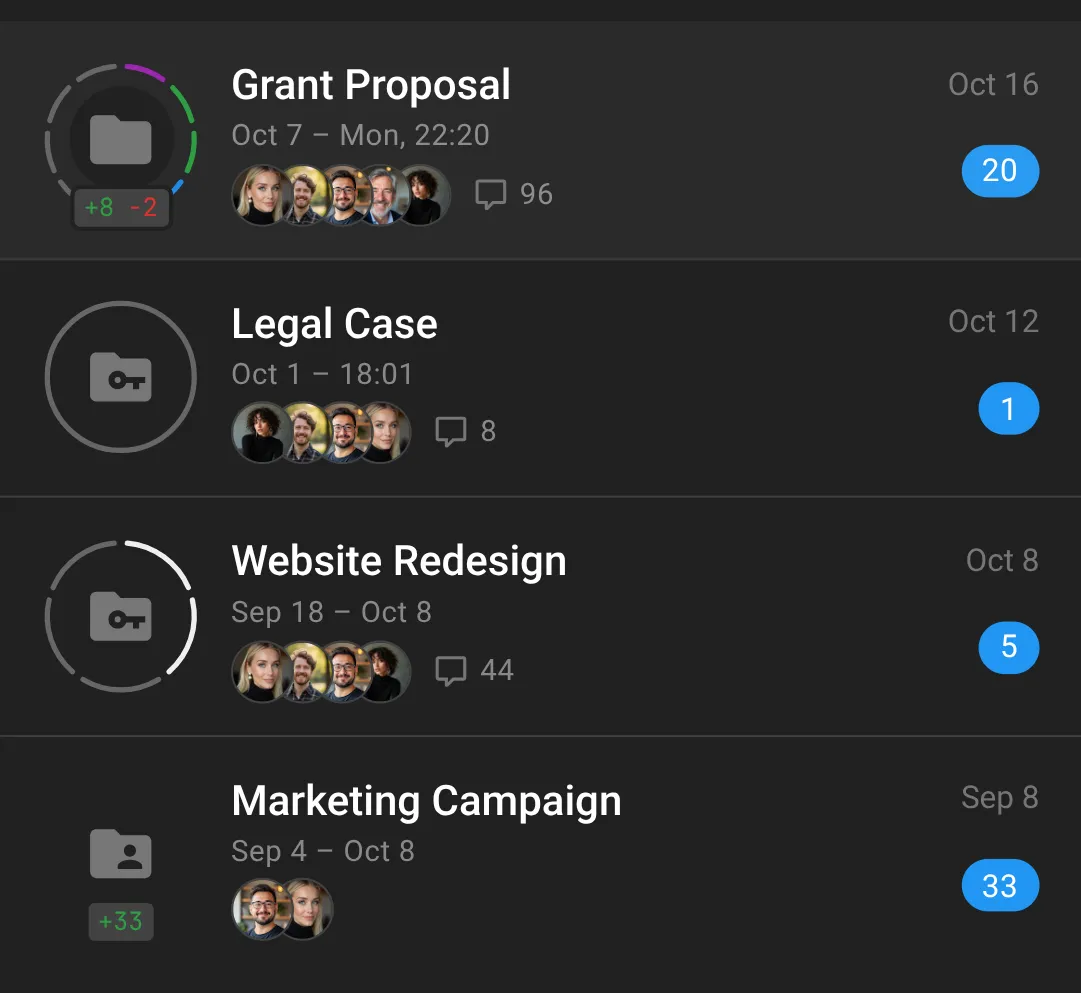
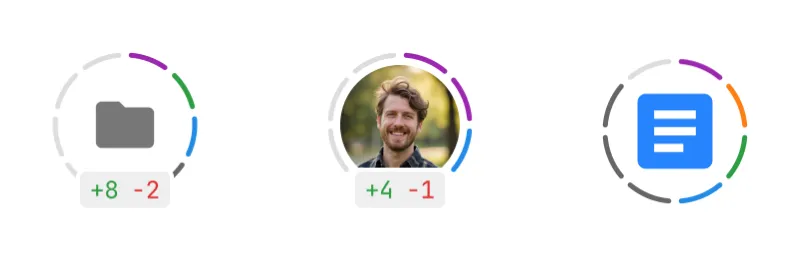
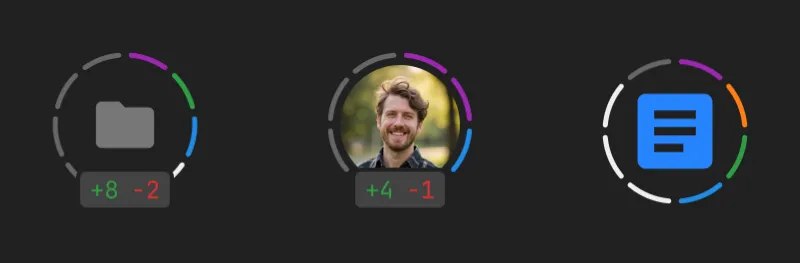
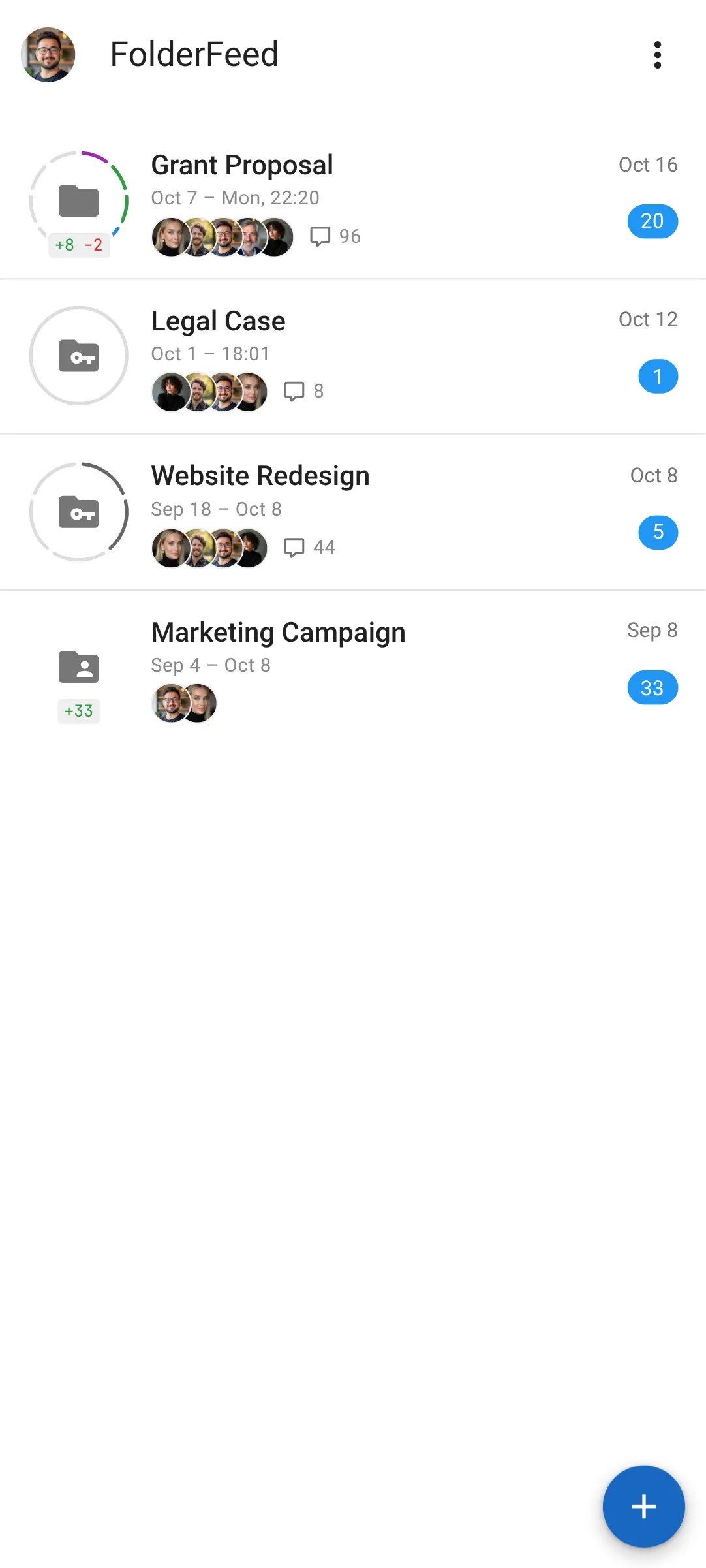
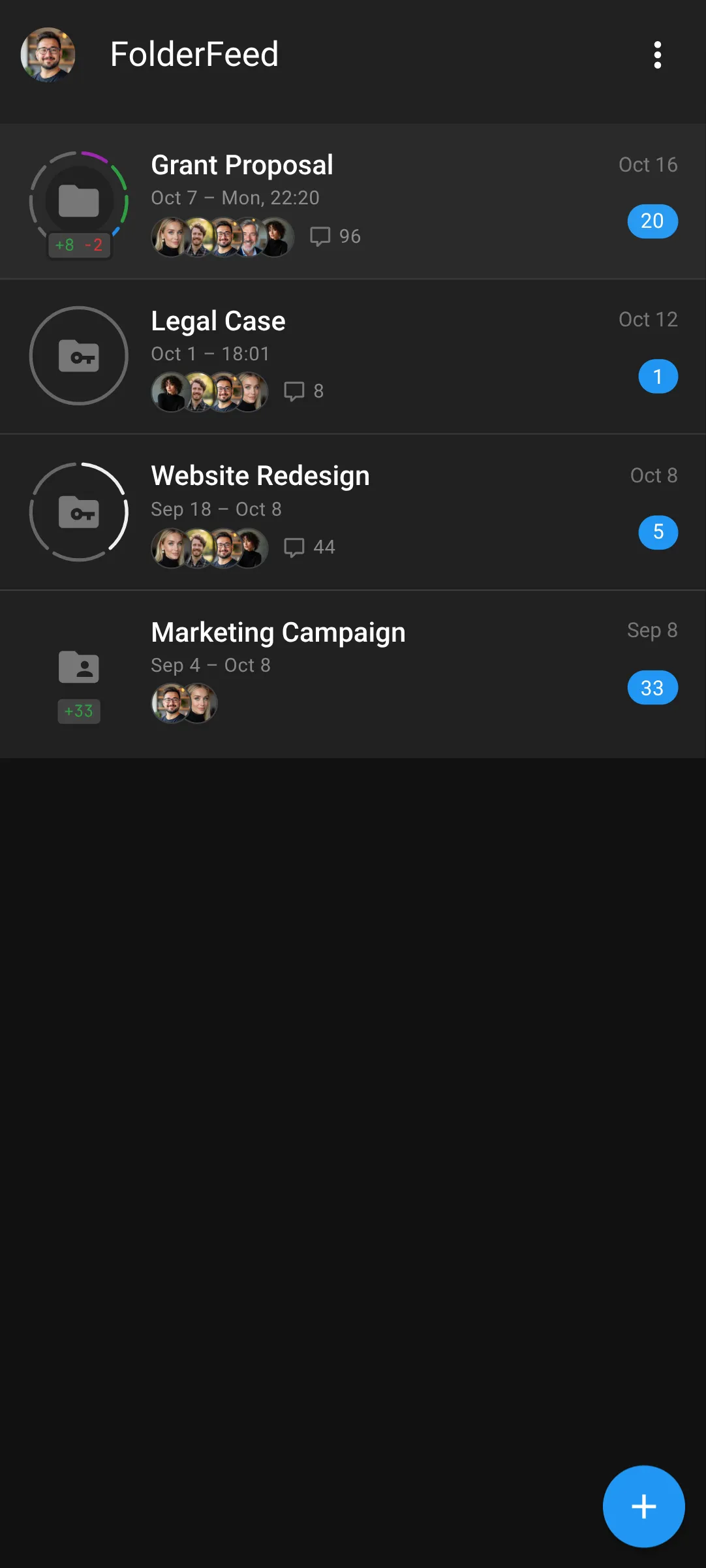
The Ring shows you where to look. Colored arcs mark the files and comment threads that need your attention, so you can skip the rest.
+8-2shows how many new files were added and how many were deleted.
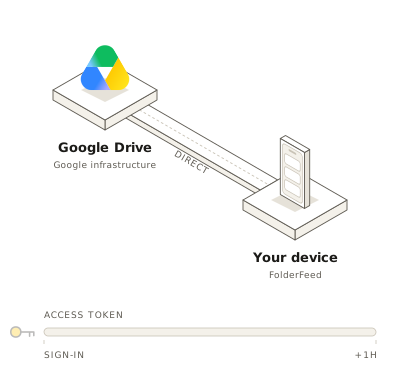
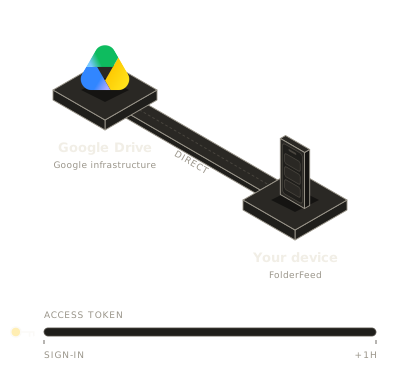
No access when you’re away
FolderFeed only gets a temporary Google access pass (about 1 hour) while you’re using the app. It never receives a long-term credential, so it can’t access your Drive when you’re away. When the pass expires, FolderFeed asks Google for a new one, and you may see a brief Google popup. In most cases it’s approved automatically, with no action needed from you.
Frequently asked questions
What is FolderFeed?
FolderFeed turns your Google Drive folder activity into a feed, like a news feed for your team’s documents. Each updated file is listed once, no matter how many times it was edited, with its new comments and replies alongside.
How is it different from the Activity tab in Google Drive?
Drive’s Activity tab is a long stream of individual events. FolderFeed groups activity by file, shows only what happened since you last caught up, and highlights the comments that need you.
Can I monitor more than one folder?
Yes. Follow as many folders as you like. Each one has its own Time Window, showing what changed Since you last marked it as read, As of your last refresh, so you can catch up on one without touching the rest.
Why doesn’t my feed update by itself?
That’s deliberate. FolderFeed never refreshes in the background. Click Refresh when you want the latest activity. It also means FolderFeed only looks at your Drive while you’re using it.
Do I have to open files in Google Drive to read new comments?
No. FolderFeed shows each discussion’s original comment and the replies added or updated during the Time Window, next to the file preview.
What is the Ring?
The Ring is the circle of arcs around a folder, a person’s avatar or a file icon. It shows at a glance where new comments are. Colored arcs are for you (assignments and @mentions); gray arcs are other conversations. Files with comments that need you are listed first under For you.
Does FolderFeed have permanent access to my Google Drive?
No. Google gives FolderFeed a short-lived access pass, valid for about an hour, each time you use the app. FolderFeed never receives Google’s long-term refresh credential, so it can’t read your Drive after your session ends. You can revoke access at any time on your Google Account permissions page.
Where is my data stored?
The feed data from your Drive (activity, file details and comments) is stored in your own browser, not copied into FolderFeed’s servers. Sensitive parts, such as comments and file titles, are encrypted in your browser’s storage.